

UAE tax and compliance
Your books and EmaraTax, always in step
Stop logging in to EmaraTax to check what was filed. Connect the company's FTA account once, and Dreambooks reads every VAT and corporate tax return the portal lists, puts it beside your own returns and tells you what still needs marking as filed. All for AED 10 a month.
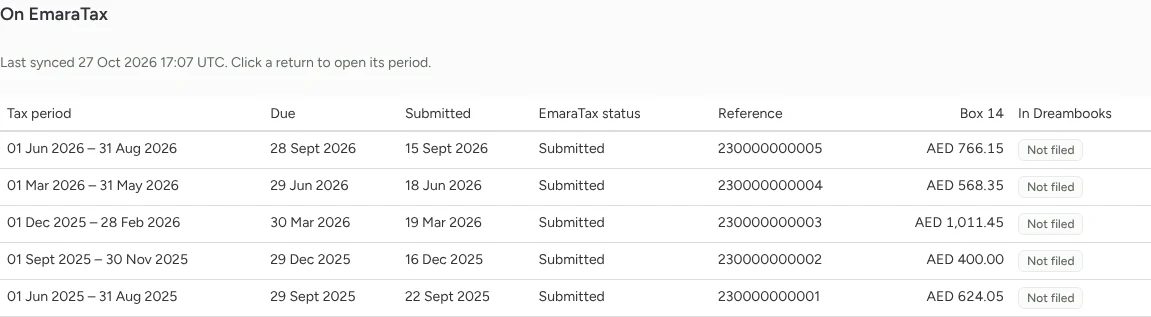
Every VAT return EmaraTax lists
See each return's tax period, due date, submission date, EmaraTax status, reference and payable VAT, next to whether it is marked as filed in Dreambooks. Click a return to open its period.
Corporate tax filings too
Corporate tax returns come across with their due and submission dates, reference and net tax position, so you know which years are done.

Connect once, sync whenever you like
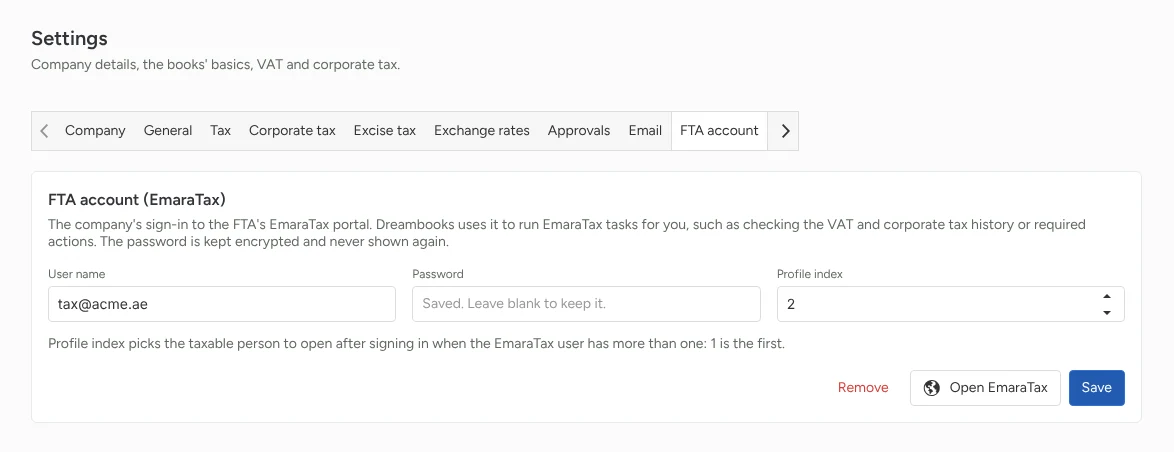
Add the company's EmaraTax sign-in under Settings, FTA account. The password is kept encrypted and never shown again. Then press Sync from EmaraTax on the VAT or corporate tax screen whenever you want the latest, or Open EmaraTax to go to the portal.
Catches returns that are out of step
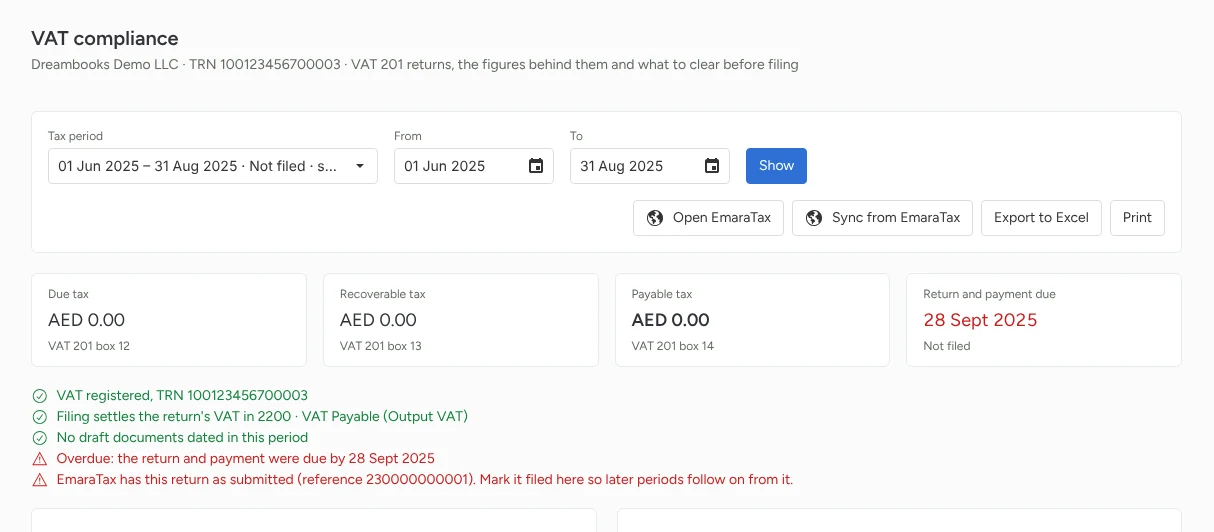
When EmaraTax has a return as submitted but Dreambooks hasn't marked it filed, the VAT compliance checks say so and give you the EmaraTax reference, so later periods follow on correctly.
Made for firms with many clients
Each client company keeps its own FTA account in its settings, so a firm can check every client's filings from Dreambooks instead of signing in to the portal client by client.
Features
Everything your finance work needs, connected
From daily bookkeeping to tax filing, and from winning a client to getting their signature, every module shares one ledger. No more copying between apps.
Accounting and operations
Double-entry books, stock, salaries and every currency, on one ledger.
UAE tax and compliance
E-invoicing, VAT, corporate tax and excise prepared from the books, plus IFRS 18 reporting.
For accounting firms
Win clients, run engagements, collect documents and never miss a deadline.
Documents and messaging
Attachments, comments and @mentions, AI that reads your documents, a WhatsApp inbox and e-signatures.
Control, AI and switching
Approvals, roles and audit trail, your books inside Claude and ChatGPT, and imports from your old system.